













































































































Node.js powers APIs, web applications, e-commerce platforms, SaaS products, and enterprise backends used by businesses across the United States. Its performance, JavaScript ecosystem, and ability to handle concurrent requests make it a popular choice for modern application development. Keeping a Node.js application secure requires more than updating npm packages or adding authentication.
On October 21, 2026, the Node.js project released security updates for its 26.x, 24.x, and 22.x release lines, addressing 10 vulnerabilities. The issues affect multiple areas of the runtime, including Brotli decompression, DNS resolution, TLS certificate verification, HTTP connection handling, and filesystem permissions. The most serious includes a high-severity Brotli decoder vulnerability that could potentially lead to remote code execution under applicable conditions.
For U.S. businesses operating customer-facing applications, APIs, payment workflows, or cloud-based services, these updates highlight why runtime security must be part of regular maintenance.
This guide explains what changed in the October 2026 Node.js security updates, which versions contain the fixes, and how development teams can strengthen application security after upgrading.
What Changed in the October 2026 Node.js Security Updates?
The October 21 security release addressed 10 vulnerabilities across the supported Node.js 26.x, 24.x, and 22.x release lines. Four were classified as high severity, three as medium severity, and three as low severity in the release coverage. The official advisory provides the technical details and affected versions.
The patched versions are:
Node.js release line – Patched version
- Node.js 26.x – 26.12.1
- Node.js 24.x – 24.22.1
- Node.js 22.x – 22.23.4
Key vulnerabilities addressed:
1. Brotli decoder vulnerability — CVE-2026-111497
The bundled Brotli decoder contains an out-of-bounds write flaw that can corrupt memory when processing malformed compressed input. Depending on how an application handles attacker-controlled compressed data, the impact may include a process crash, memory disclosure, or potential remote code execution.
2. DNS resolution issue — CVE-2026-105482
Certain DNS resolution functions could truncate hostnames containing a NUL character. Applications that validate a hostname and then resolve it could potentially operate on a different hostname than the one they intended to validate.
3. TLS hostname verification flaws — CVE-2026-105483 and CVE-2026-106069
These issues involve hostname normalization and certificate verification. Under specific conditions, an application may incorrectly accept a certificate for a connection endpoint.
4. HTTP connection handling issue — CVE-2026-105481
An HTTP keep-alive connection could, under certain timing conditions, associate a previously received response with a subsequent request.
5. Additional security issues
The release also addresses issues involving cryptographic randomness in startup snapshots and single executable applications, ZIP file validation, and filesystem permission enforcement.
These are runtime-level vulnerabilities. A clean npm audit result does not prove that your Node.js runtime is secure. Runtime patching and dependency auditing are separate responsibilities.
Also Read: PWA vs Native App
Why U.S. Businesses Should Prioritize Node.js Security?
A vulnerable runtime can create risks beyond the application itself. The potential impact depends on the vulnerability, the application’s exposed functionality, and the permissions available to the affected process.
For U.S. companies, the consequences may include:
Customer data exposure: An attacker who gains access to an application process may be able to reach data that the process is authorized to access.
Service disruption: Crashes or repeated failures can affect customer portals, APIs, checkout processes, and internal systems.
Business continuity risks: Security incidents may interrupt sales, operations, integrations, or customer support.
Compliance and contractual concerns: Organizations handling payment data, health information, or other regulated data must assess their applicable security and reporting obligations.
Recovery costs: Incident investigation, remediation, customer communications, and service restoration can consume engineering and operational resources.
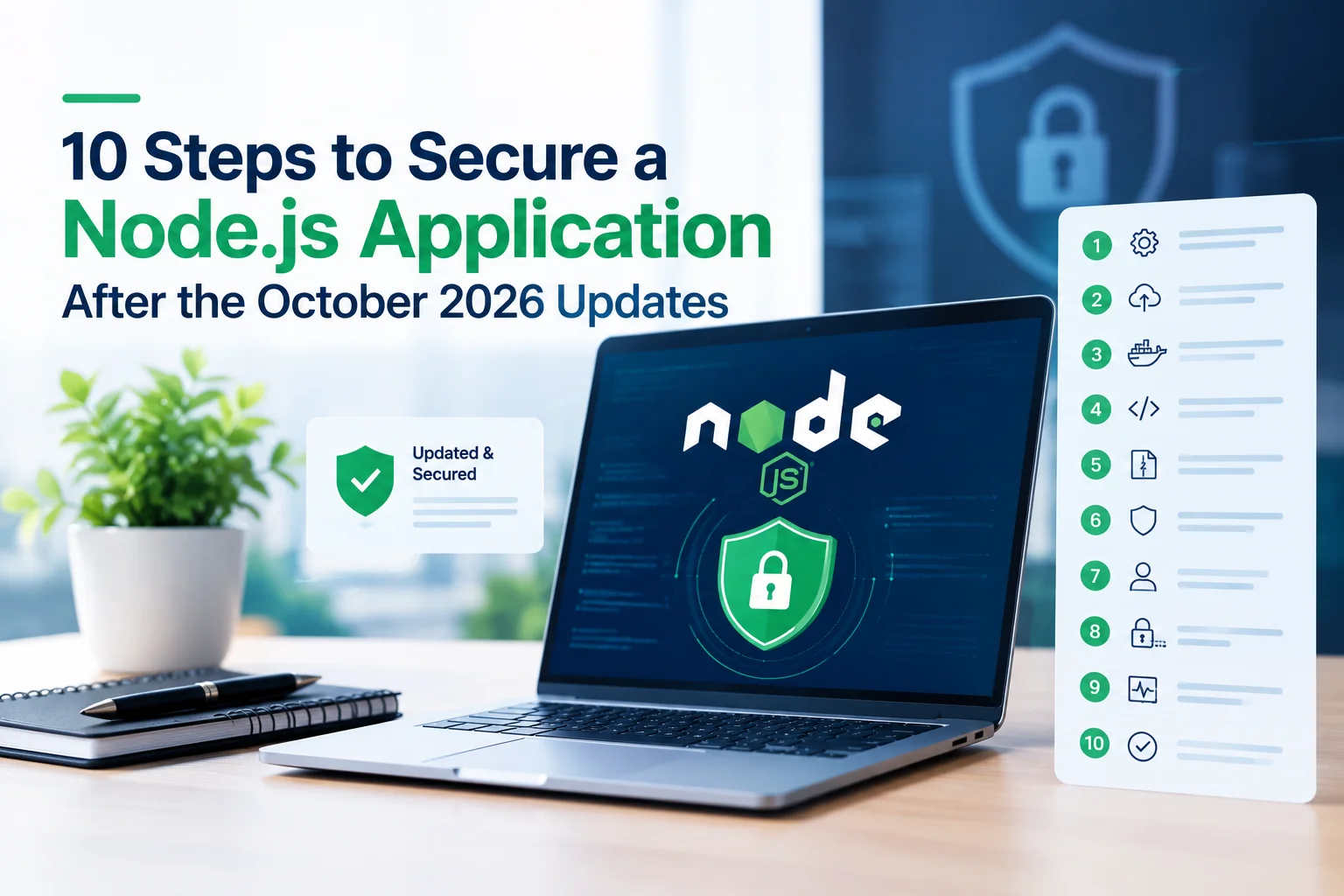
10 Steps to Secure a Node.js Application After the October 2026 Updates
1. Check Your Current Node.js Version
Start by identifying the Node.js version used in development, testing, continuous integration, containers, and production.
Run:
node –version
npm –version
Recommended practice: Maintain an inventory of Node.js versions across all environments and identify any instances running affected or unsupported releases.
2. Upgrade to the Correct Patched Release
Install the appropriate patched release for your application’s Node.js branch. Use your organization’s approved version manager, package repository, container base image, or hosting platform.
For a different branch, use the corresponding patched version. Confirm the version against the official Node.js security advisory.
After upgrading, rebuild and redeploy the application so that running processes actually use the patched runtime.
Updating Node.js on a developer’s computer does not automatically update a deployed service. Production containers, virtual machines, and managed runtime configurations must be addressed separately.
3. Rebuild Container Images and Deployment Artifacts
Many U.S. organizations deploy Node.js applications using Docker, Kubernetes, and cloud hosting services. In these environments, updating the runtime on a workstation may have no effect on the image already running in production.
Review your Dockerfile, build pipeline, deployment manifests, and runtime configuration.
For production deployments:
- Rebuild images from patched base images.
- Pin versions where appropriate rather than relying on a floating tag.
- Scan the resulting image for operating system and application dependency vulnerabilities.
- Roll out the new image through your normal deployment process.
- Confirm the running container uses the expected version.
Also review serverless runtime settings and managed hosting configurations. A new deployment is only effective if the underlying runtime is updated.
Also Read: MCP vs A2A vs ACP
4. Audit and Update npm Dependencies
Node.js runtime security and npm dependency security are related but distinct.
Use npm’s audit functionality to identify known vulnerabilities in installed packages:
npm audit
Review the findings and apply appropriate dependency updates. For production dependencies, you can also run:
npm audit –omit=dev
Use npm ci in automated builds when your project maintains a lockfile and follows a reproducible installation workflow.
Avoid applying npm audit fix –force automatically in production. Major-version changes can introduce breaking changes or unexpected behavior. Review the proposed changes, run tests, and validate compatibility before deployment.
Also examine dependencies that process compressed data, parse external input, communicate over HTTP or TLS, or handle uploaded files. Remember that dependency updates alone cannot replace the Node.js runtime security patches.
5. Review Brotli and Compressed-Input Handling
The October 2026 release includes a serious issue in the bundled Brotli decoder. Applications should review where compressed data enters the system and whether it can be controlled by an untrusted user or remote service.
Potentially relevant areas include:
- Endpoints that accept compressed request bodies.
- Services that decompress uploaded or externally supplied content.
- HTTP clients that receive compressed responses from external services.
- File-processing pipelines that handle untrusted compressed data.
- Use the patched Node.js runtime and avoid processing untrusted compressed input with affected runtimes.
Additional safeguards can include request-size limits, decompression limits where supported, timeouts, concurrency controls, and strict input validation. These controls reduce exposure to resource exhaustion and other input handling risks, but they are not substitutes for the runtime fix.
6. Strengthen TLS and DNS Validation
Applications often connect to payment gateways, identity providers, databases, internal services, and third-party APIs. Correct hostname validation is essential when establishing secure connections.
After patching, review code that:
- Accepts user-supplied hostnames or URLs.
- Resolves hostnames before connecting to a service.
- Implements domain allowlists or blocklists.
- Makes outbound requests to customer-provided destinations.
- Uses custom TLS agents or certificate-validation callbacks.
- Do not disable TLS certificate verification to work around connection problems.
For applications that fetch user-supplied URLs, also implement appropriate destination restrictions and defenses against server-side request forgery (SSRF). Validate the intended destination and the actual resolved address, and account for redirects and DNS changes.
7. Apply Least-Privilege Access Controls
A runtime vulnerability can have a greater impact when the compromised process has broad access to files, credentials, or infrastructure.
Reduce the permissions available to your Node.js application:
- Run services as a non-root user.
- Restrict filesystem access to required directories.
- Limit database permissions to the operations the application needs.
- Store credentials in a managed secrets service.
- Use short-lived credentials where practical.
- Restrict outbound network access to necessary destinations.
- Separate production, staging, and development credentials.
Node.js includes a Permission Model that can provide additional restrictions in supported configurations. It should not be treated as a complete security boundary or a replacement for operating-system, container, and infrastructure controls. The October 2026 advisory itself includes Permission Model-related fixes.
8. Protect Authentication, Sessions, and Sensitive Data
Runtime security is only one layer of application protection. An application also needs appropriate safeguards around user identity, session management, and data access.
For customer-facing applications, consider:
- Secure password hashing using a suitable password-hashing algorithm.
- Multi-factor authentication for privileged accounts where appropriate.
- Secure cookie settings, including HttpOnly, Secure, and an appropriate SameSite policy.
- Authorization checks on every protected operation.
- Rate limiting on login, registration, password-reset, and other sensitive endpoints.
- Encryption in transit and appropriate encryption at rest.
- Careful handling of access tokens, API keys, and session secrets.
Do not rely solely on frontend checks to protect sensitive actions. Authorization decisions must be enforced on the server.
For applications serving U.S. customers, review applicable state privacy laws, contractual obligations, and industry-specific requirements based on the data being processed.
9. Add Security Monitoring and Incident Detection
Patching reduces known risks, but ongoing monitoring helps teams identify unexpected activity and investigate potential incidents.
Monitor application and infrastructure logs for:
- Repeated process crashes or restarts.
- Unusual traffic patterns and request volumes.
- Unexpected outbound network connections.
- Authentication failures or suspicious privilege changes.
- Abnormal CPU or memory consumption.
- Unusual access to files, secrets, or sensitive APIs.
- Avoid logging passwords, payment card data, access tokens, or unnecessary personal information.
Organizations should also define alert thresholds, incident escalation paths, log retention practices, and recovery procedures. For critical applications, test whether monitoring can detect a compromised process or an unusual pattern of outbound connections.
10. Test, Deploy, and Verify the Patch
A security update should move through a controlled deployment process, especially when the application supports payments, healthcare workflows, or other critical business functions.
A practical workflow is:
- Update the runtime in a development environment.
- Reinstall dependencies using the project’s lockfile.
- Run unit, integration, and end-to-end tests.
- Validate authentication, TLS connections, DNS behavior, compression, and file processing where relevant.
- Deploy to staging and run smoke tests.
- Roll out to production using a controlled release strategy.
- Confirm the running service reports the patched runtime.
- Monitor logs, latency, error rates, and application health.
- Document the change and retain a rollback plan that does not reintroduce the vulnerable runtime.
Node.js Security Checklist for Development Teams
- Use this checklist during your October 2026 security review.
- Identify all Node.js versions in development, CI, containers, staging, and production.
- Upgrade affected applications to the appropriate patched release.
- Rebuild and redeploy containers and other runtime artifacts.
- Confirm unsupported Node.js branches are migrated to a supported line.
- Review npm dependencies and lockfiles for known vulnerabilities.
- Check code paths that process untrusted compressed input.
- Review custom TLS validation, DNS resolution, and outbound HTTP requests.
- Apply least-privilege access to processes, files, databases, and secrets.
- Verify authentication, authorization, and sensitive-data protections.
- Test the release and confirm the runtime version after deployment.
- Monitor production health and investigate suspicious activity.
How Often Should You Update Node.js?
Node.js security updates should be handled promptly when a relevant vulnerability affects your environment. Do not wait for a quarterly maintenance window if an urgent security patch is required.
A useful maintenance strategy includes:
Continuous monitoring: Track official Node.js security announcements and maintain an inventory of deployed versions.
Regular dependency reviews: Scan packages and container images as part of CI/CD and scheduled security reviews.
Planned runtime upgrades: Test major and minor version changes before production deployment, using the official Node.js release schedule to plan migrations.
Emergency patching: Establish a process for prioritizing, testing, and deploying urgent fixes without bypassing essential quality checks.
Why Automated Security Scanning Is Not Enough
Security scanners are valuable for identifying known vulnerabilities in packages, source code, containers, and infrastructure. No single scan provides a complete picture of application security.
A stronger security program combines:
- Runtime and dependency patch management.
- Static and dynamic application security testing.
- Container and infrastructure scanning.
- Secret detection.
- Access-control reviews.
- Manual review of high-risk code paths.
- Logging, monitoring, and incident response.
How IPH Technologies Can Help Secure Node.js Applications
IPH Technologies provides application and software development services for businesses that need secure, maintainable, and scalable digital products.
For organizations running Node.js backends, an application security review can include runtime and dependency assessments, API security, authentication and authorization checks, infrastructure configuration, secure coding practices, and testing of critical application workflows.
The appropriate scope depends on the application’s architecture, exposure, data sensitivity, and existing security controls.
If your business is planning a new application, modernizing an existing platform, or reviewing its backend security, explore IPH Technologies’ software and application development services to discuss your project requirements.
Final Thought On Node.js security updates
The October 2026 Node.js security updates are a reminder that application security starts with the runtime but does not end there. The release addresses vulnerabilities involving Brotli decompression, DNS resolution, TLS verification, HTTP handling, and filesystem permissions, making it important for engineering teams to verify their deployed versions and update affected systems.
For U.S. businesses, a reliable response combines prompt patching with dependency reviews, secure configuration, automated testing, least-privilege access, and production monitoring.
Start by checking your deployed Node.js version, upgrade to the appropriate patched release, rebuild affected deployment artifacts, and verify the running application after rollout. Treat security updates as part of ongoing software maintenance to reduce avoidable risk and keep business applications more resilient.










.png)