

iOS/Android
+1
AI Photo editor app development
AI photo editor and milestone reminders for every stage of pregnancy and baby growth.



 AI Photo editor app development
AI photo editor and milestone reminders for every stage of pregnancy and baby growth.
Healthcare
 Bahubali Bullion
Mobile gold trading app for Bullion & Jewellery dealers, built for Android and iOS.
Bullion & Trading
+1
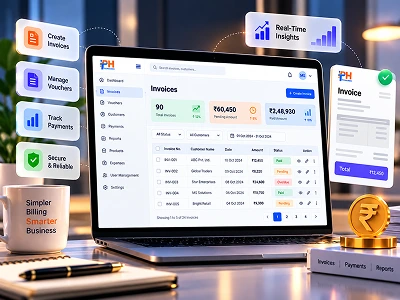 E-billing software development
A smart web e-billing platform that simplifies billing and financial operations.
Fintech & Banking
 Crypto trading app development
Real-time crypto candle insights on Android and iOS for smarter trades.
Fintech & Banking
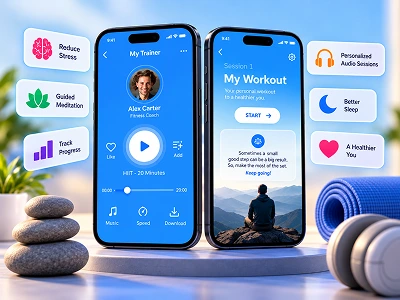 Mental Fitness App
A mental fitness app for Android and iOS, powered by AI/ML and NLP.
Healthcare
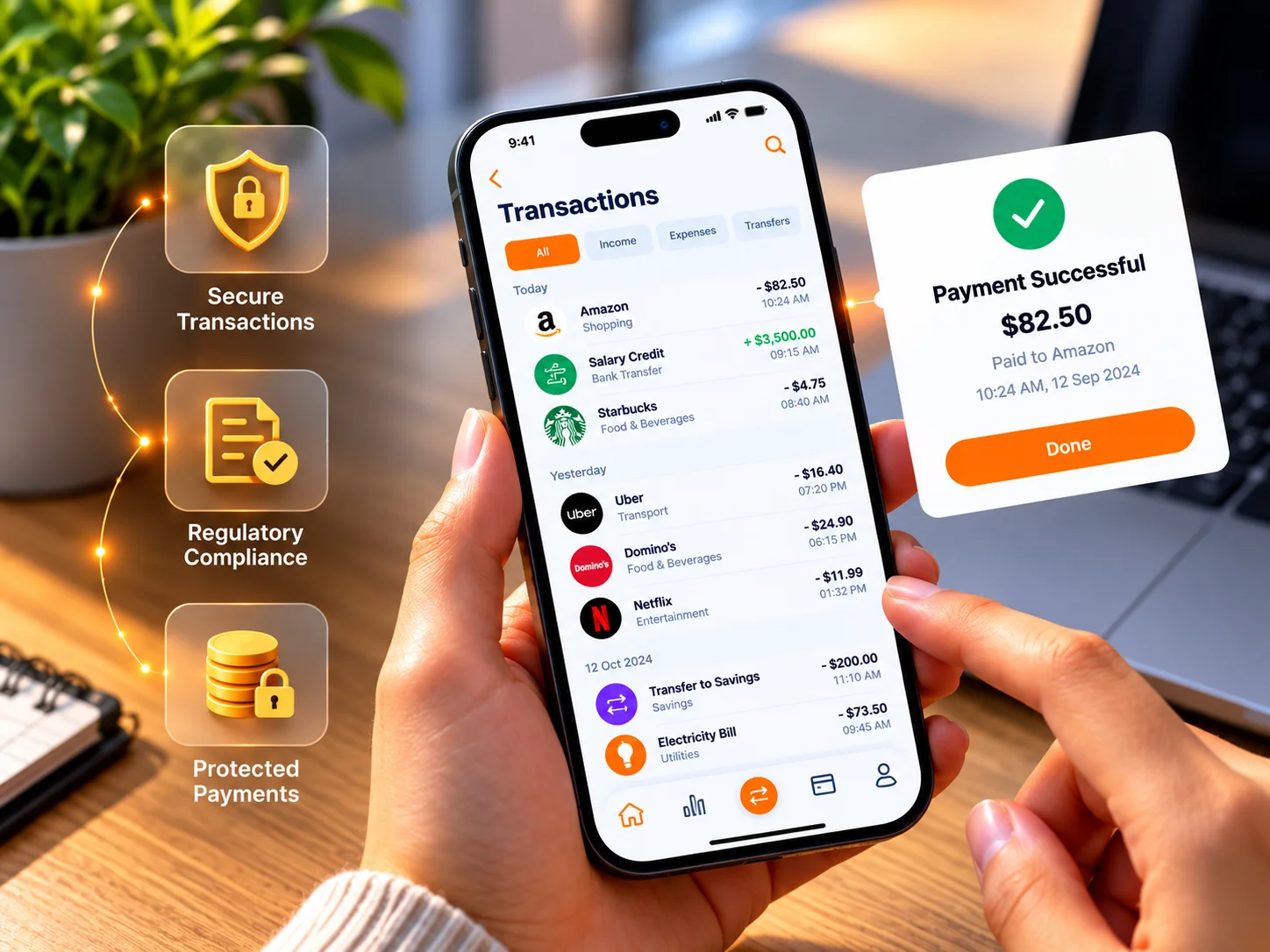 AI Transaction Intelligence Platform
AI platform that turns those emails into real financial insight, without ever uploading a single one.
Fintech & Banking
+1
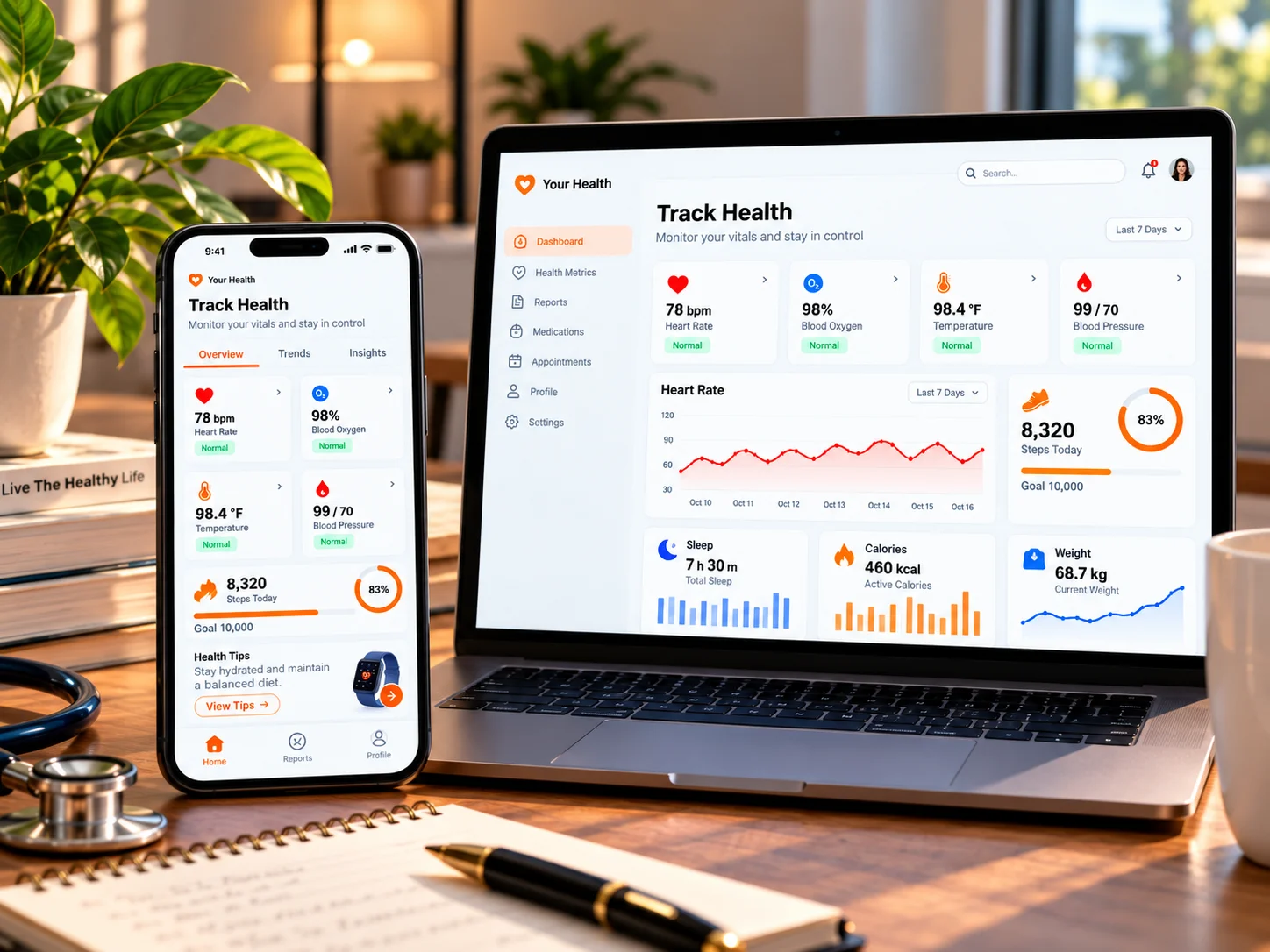 AI Health Intelligence Platform
AI-powered health platform that brings it all together, flags risks early, and keeps every bit of data securely on your device.
Healthcare
+1
Bahubali Bullion
Mobile gold trading app for Bullion & Jewellery dealers, built for Android and iOS.
Bullion & Trading
+1
E-billing software development
A smart web e-billing platform that simplifies billing and financial operations.
Fintech & Banking
Crypto trading app development
Real-time crypto candle insights on Android and iOS for smarter trades.
Fintech & Banking
AI Transaction Intelligence Platform
AI platform that turns those emails into real financial insight, without ever uploading a single one.
Fintech & Banking
+1
AI Photo editor app development
AI photo editor and milestone reminders for every stage of pregnancy and baby growth.
Healthcare
Mental Fitness App
A mental fitness app for Android and iOS, powered by AI/ML and NLP.
Healthcare
AI Health Intelligence Platform
AI-powered health platform that brings it all together, flags risks early, and keeps every bit of data securely on your device.
Healthcare
+1
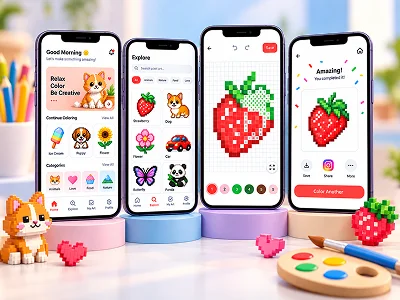 Art colouring app development
IOS beased pixel art coloring app for kids, built around AI-generated art patterns.
Education
+1
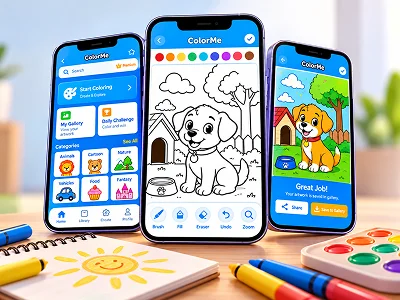 Photo Colouring App Development
Turn any photo into art and color it in with this Android and iOS coloring app.
Education
+1
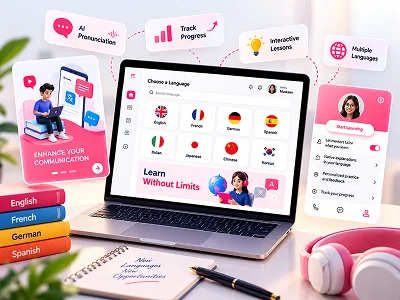 Language Learning App
Adaptive EdTech app that helps learners break language barriers on Android and iOS.
Education

Transform Ideas into Reality with IPH Technologies
Get Started Today →Latest Articles
View All →Press Release
View All →
Learn how online bullion exchanges price gold and silver, process orders, and protect your...
Read Full Article →An innovative colouring app for Android and iOS that transforms photos into interactive coloring pages — stress-relieving, social, and fun for all ages.
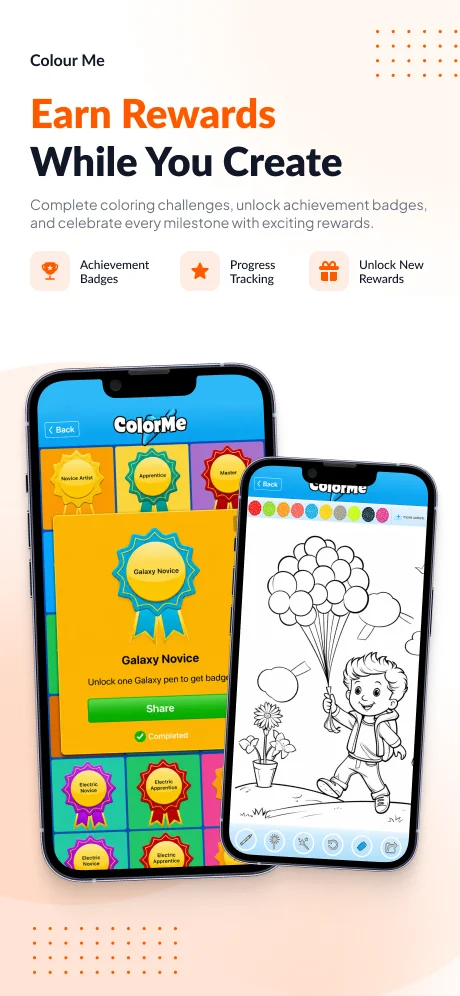
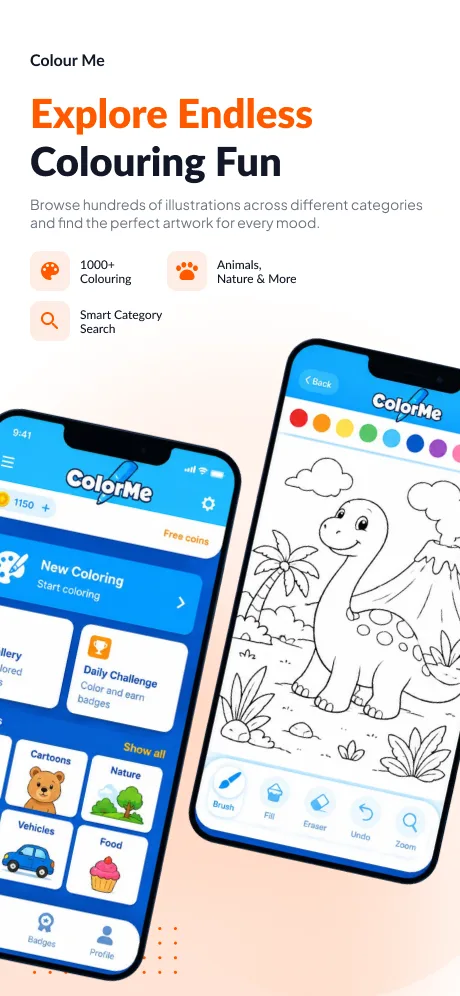
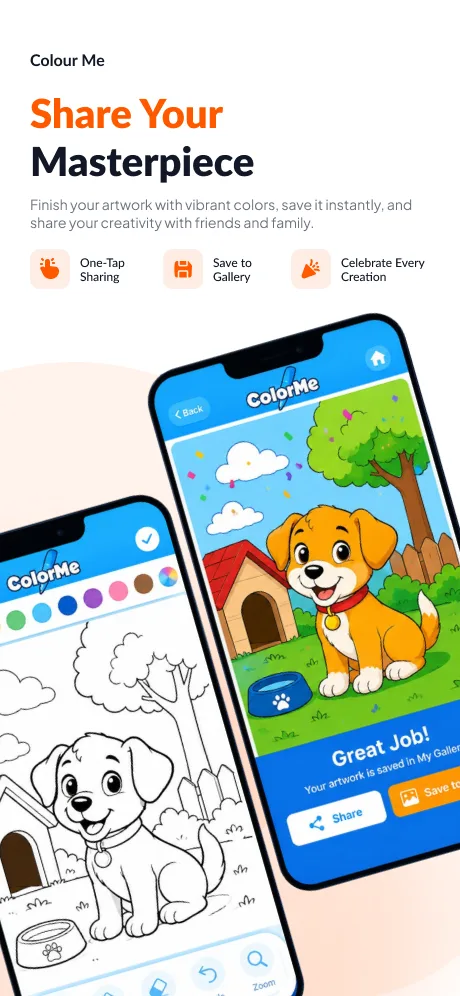
IPH Technologies built ColorMe, a cross-platform colouring app that converts any photo into a coloring book page. Users can colour, share with friends via in-app messaging, print wirelessly, and post creations to social media — making art therapy accessible to everyone.
The global mobile creative apps market is booming, fuelled by rising interest in digital art, mindfulness, and social expression. Colouring apps have carved a distinct niche — scientifically backed studies show that colouring reduces anxiety and promotes relaxation, giving them appeal far beyond children's entertainment into adult wellness and stress-relief.
IPH Technologies spotted an opportunity to go beyond static colouring books: a dynamic app that turns any personal photo into a colouring page, combines social sharing features akin to Snapchat, and supports offline use and wireless printing. The result is a platform that blends creativity, wellbeing, and social connection in one seamless experience.
Building a real-time photo-to-coloring-page converter with social and printing features across a fragmented device landscape presented several complex engineering problems.
Every feature and technical decision was driven by a clear goal — making the most creative, social, and stress-relieving colouring app on both platforms.
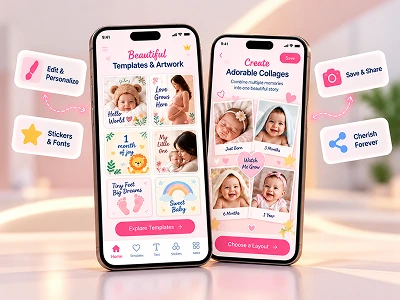
Real screens from the baby photography app — from the welcoming onboarding flow to the rich editor canvas with artwork, collage, and text tools.
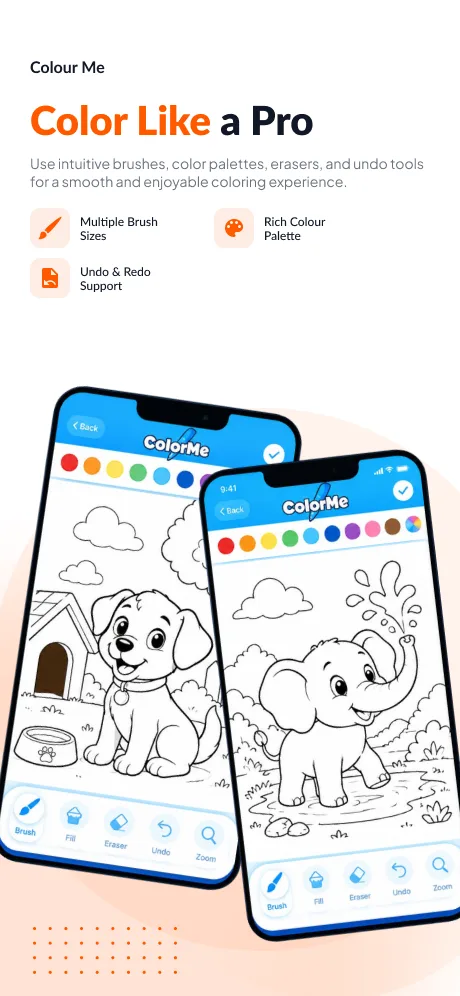
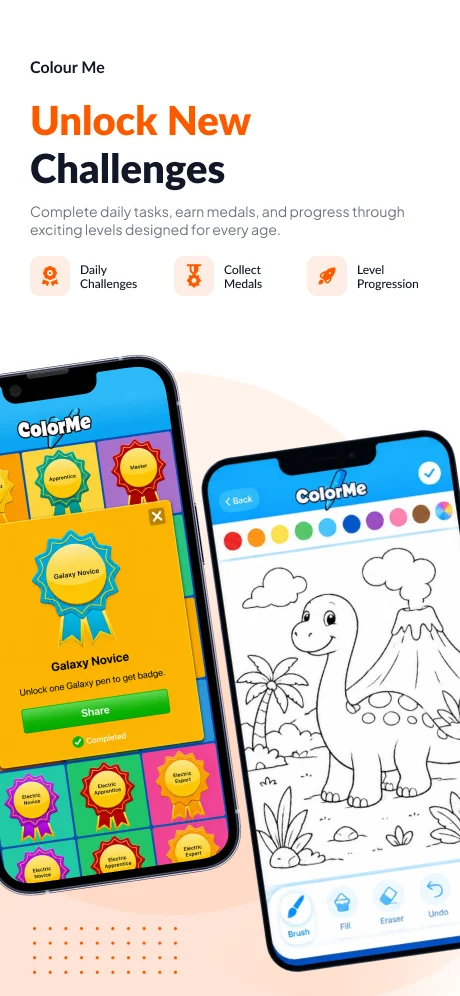
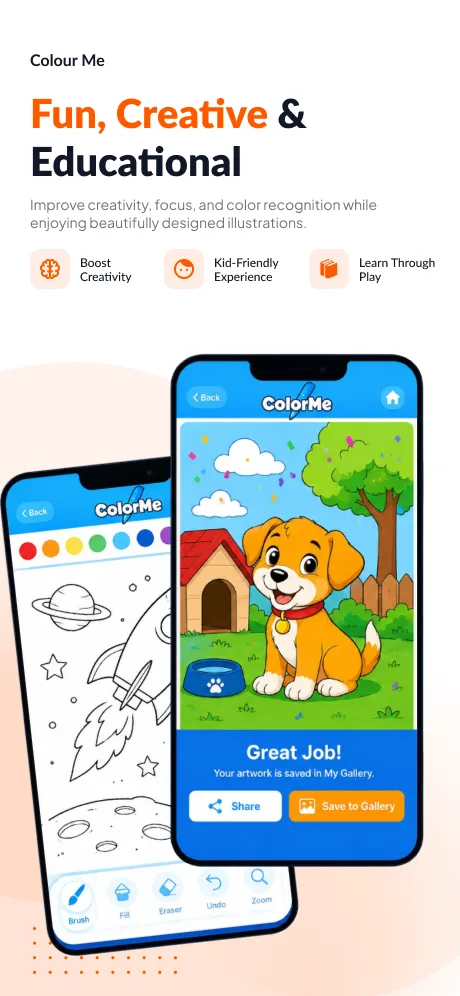
A cross-platform stack tuned for real-time image processing, smooth touch-based colouring, and reliable social and printing integrations.
A user-centric, iterative methodology took ColorMe from a simple concept to a feature-rich, dual-platform creative app loved by all ages.
ColorMe launched on both platforms and quickly built a dedicated community of users enjoying it as a tool for artistic expression, social connection, and relaxation.
A social, cross-platform colouring app that turns any photo into art — designed and built end-to-end by IPH Technologies for Android and iOS.
Snap a photo, convert it to a colouring page, add your own palette, share with friends, and print it out. Art therapy and creative fun — all in one app.


Hear from our clients and why 3000+ businesses trust us

"We have been engaging with this team for a year now, and we are about to launch soon! This team is knowledgeable, reliable, and easy to work with. Project management has been on point and transparent with all actions made. They are polite, proactive, and easy to collaborate with. I highly recommend!"


“Exceptional quality of service, a great team. They developed the iOS version for Reckon & did a super job at it. Excellent suggestions were provided to improve the app & customer experience. Their expertise and dedication stood out. I am already ready to hire them again for the hybrid app for Reckoon.”

IPH Technologies has a skilled team delivering results. They developed an iPhone version of a larger project within a tight timeline, with significant design enhancements. Cost-effective, responsive, and experienced with Apple submissions, they resolved issues quickly. I will work with them again!
We'll provide a free consultation with cost and timeline estimates
Your information is 100% protected by our NDA
Typical response time: under 2 minutes
1600+ transform engineers delivered
3000+ game changing products
 Businesses Firms
 Mobile App Daily
 DesignRush
 IT Firms
 GoodFirms
 AppFutura