






































































































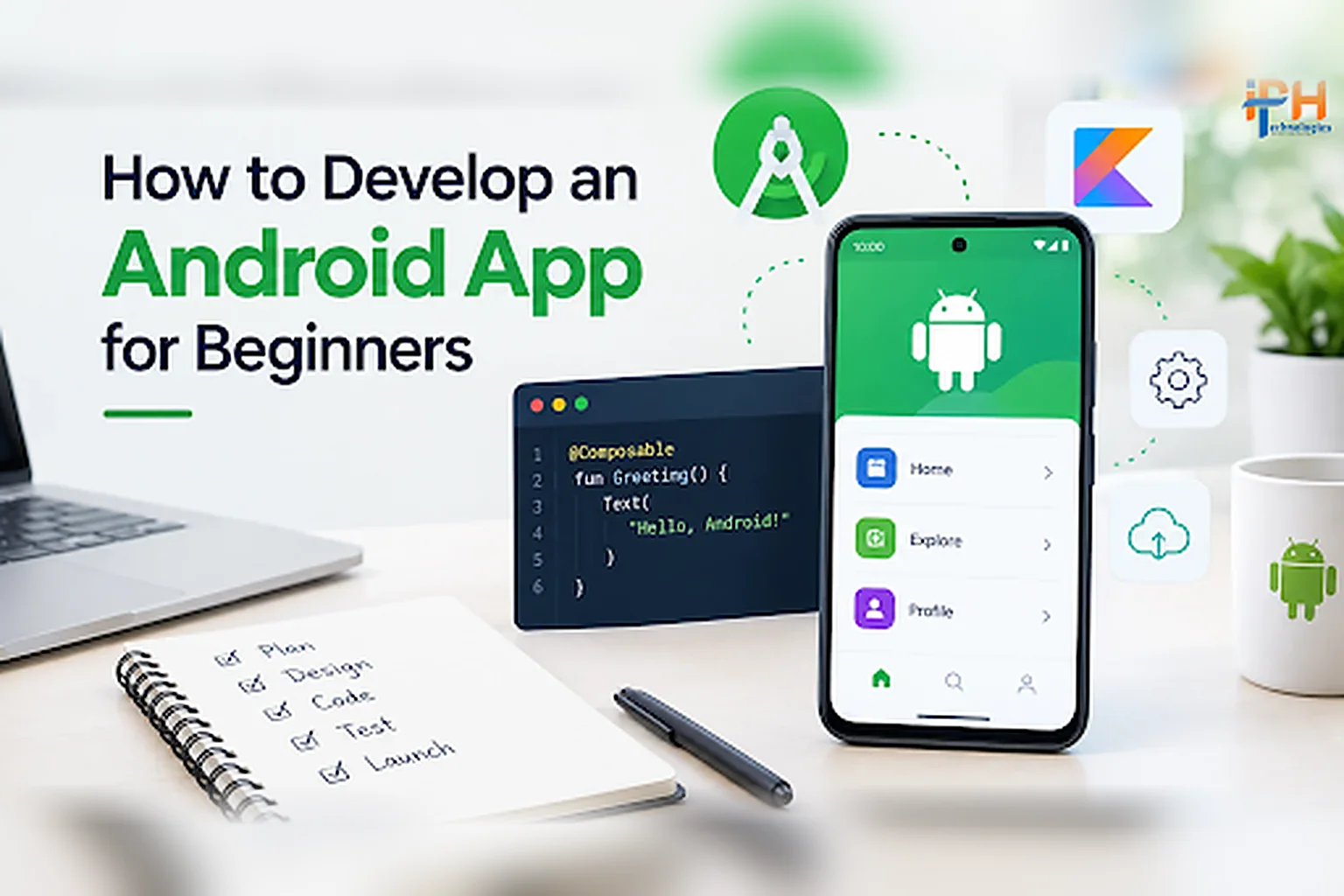
Android continues to be one of the most important platforms for businesses looking to reach mobile users in the U.S. Whether you are planning a consumer app, healthcare solution, fintech product, eCommerce application, or enterprise platform, understanding how to develop an Android app is the first step toward turning an idea into a reliable digital product.
Modern Android development is no longer limited to writing basic Java code and creating simple screens. Today’s development process involves Kotlin, Android Studio, Jetpack Compose, APIs, cloud services, secure authentication, testing, analytics, and privacy-focused development.
What Is Android App Development?
Android app development is the process of designing, developing, testing, and deploying applications for Android-powered devices.
Developers can create applications for smartphones, tablets, foldable devices, ChromeOS devices, and other supported Android form factors. Google’s current Android development guidance recommends Android Studio as the official development environment and supports modern development technologies such as Kotlin and Jetpack Compose.
For a business, Android app development involves much more than building the user interface. It may include backend development, database integration, APIs, authentication, payment integration, push notifications, analytics, security, and third-party services.
How to Develop an Android App: Step-by-Step Process
Developing an Android app involves planning, design, coding, testing, and publishing. Follow these steps to turn your idea into a functional application.
| # | Step | What to do |
|---|---|---|
| 1 | Define Your App Idea and Goals | Identify the problem your app will solve, your target audience, and the business objectives. Clear goals help determine the required features and development approach. |
| 2 | Research Your Target Market | Analyze competitors, user expectations, market demand, and existing app reviews to identify opportunities and make your application stand out. |
| 3 | Plan the Core Features | List essential features such as secure login, user profiles, push notifications, payment integration, APIs, and analytics. Start with a Minimum Viable Product (MVP) to validate your idea. |
| 4 | Choose the Android Technology Stack | Select suitable technologies based on your requirements. Kotlin, Android Studio, and Jetpack Compose are popular choices for native Android development. Backend technologies, databases, and cloud services depend on your app’s complexity. |
| 5 | Design the User Interface | Create wireframes and intuitive layouts that provide smooth navigation, accessibility, and a consistent experience across different Android devices. |
| 6 | Set Up the Development Environment | Install Android Studio, configure the required SDKs, and create your project. Beginners can start with Kotlin and Jetpack Compose. |
| 7 | Develop the App | Build the interface, implement business logic, and integrate the features required to deliver a functional and scalable application. |
| 8 | Integrate APIs and Backend Services | Connect the app with servers, databases, payment gateways, or third-party platforms to support data exchange and business operations. |
| 9 | Implement Security and Privacy | Use secure authentication, encryption, HTTPS, and appropriate permission controls. Follow relevant privacy and industry compliance requirements. |
| 10 | Test the Application | Perform functional, usability, performance, security, and compatibility testing across supported devices and Android versions. |
| 11 | Publish on Google Play | Prepare the production build, store listing, screenshots, privacy disclosures, and required documentation. Ensure the app complies with applicable Google Play policies. |
| 12 | Monitor and Improve | After launch, track performance, user feedback, crashes, and engagement. Release regular updates to improve functionality, security, and user experience. |
Key Features to Consider in a Modern Android App
The features you need depend on your business model and target users. However, modern applications commonly include:
☑ Secure User Authentication
Provide secure sign-in options appropriate for your application, including passwords, social sign-in, passkeys, or biometric authentication.
☑ Push Notifications
Notifications can help businesses communicate important updates, reminders, promotions, order information, and personalized messages.
☑ Payment Integration
For commerce and subscription-based applications, secure payment functionality can support purchases, recurring payments, and other transactions.
☑ Cloud Integration
Cloud services can support data synchronization, scalability, storage, analytics, and backend infrastructure.
☑ AI-Powered Features
Businesses can integrate AI for recommendations, conversational interfaces, document processing, personalization, search, automation, fraud detection, and other use cases.
☑ Analytics
Analytics provide insight into user behavior, engagement, conversion rates, retention, and application performance.
☑ Admin Dashboard
A web-based admin panel can allow businesses to manage users, content, transactions, reports, notifications, and other application data without releasing a new mobile version for every administrative change.
How Much Does It Cost to Develop an Android App?
The cost of Android app development depends on the application’s complexity rather than simply the number of screens.
Factors that can affect development cost include:
A basic application with limited functionality will generally require less development effort than a complex fintech, healthcare, logistics, or enterprise application.
Common Mistakes to Avoid When Developing an Android App
1 Building Without Validating the Idea
Investing heavily in development before understanding your target market can increase risk. Validate the problem and core value proposition before building the complete product.
2 Adding Too Many Features
More features do not automatically create a better application. Focus on the features that directly support the user’s primary objective.
3 Ignoring Security
Security should be incorporated from the planning stage. Waiting until the end can make vulnerabilities more difficult and expensive to address.
4 Neglecting Device Compatibility
Android applications can run across a wide range of devices and form factors. Testing should reflect the devices and configurations relevant to your target users.
5 Failing to Plan for Scalability
An application that works for 1,000 users may require a different architecture when it reaches 100,000 or more users. Plan backend infrastructure and application architecture with future growth in mind.
6 Treating Launch as the Final Step
Successful apps require continuous monitoring, maintenance, optimization, and updates after launch.
Why Choose IPH Technologies for Android App Development?
Choosing an experienced development partner can make a significant difference when an Android application involves complex business logic, integrations, security requirements, or long-term scalability.
IPH Technologies is an experienced Android app development agency that helps businesses transform ideas into scalable mobile applications.
Our Android app development approach can cover the complete product lifecycle, including strategy, UI/UX design, native Android development, backend development, API integration, testing, deployment, and post-launch support.
We work with businesses to understand their objectives first and then recommend an appropriate technology and development approach.
Our Android development capabilities can support:
For businesses targeting U.S. customers, we can also help plan Android applications around usability, scalability, security, integrations, and the requirements of the intended market.
Final Thoughts on How to Develop an Android App
Learning how to develop an Android app starts with understanding the complete development lifecycle, not just writing code.
A successful Android application requires a clear business objective, user-focused design, the right technology stack, secure development practices, reliable backend infrastructure, thorough testing, and continuous improvement after launch.
Modern Android development has also evolved significantly. Kotlin, Android Studio, Jetpack Compose, modern architecture, privacy-focused development, and support for multiple device types now play important roles in building production-ready applications.
If you have an Android app idea and want to turn it into a scalable product, IPH Technologies can help you plan, develop, test, and launch your application with an experienced Android app development team.
Frequently Asked Questions (FAQs)
How to develop an Android app for the first time?
Start by defining the app idea and target users, then install Android Studio, learn the fundamentals of Kotlin, create a project, design the interface, develop the core functionality, test the application, and prepare it for Google Play. Google’s current beginner workflow uses Kotlin and Jetpack Compose with Android Studio.
What programming language is used to develop Android apps?
Kotlin is one of the primary languages used for modern native Android development. Android Studio provides support for Kotlin along with other programming languages.
Is Android Studio required to develop an Android app?
Android Studio is Google’s official IDE for Android app development and provides tools for coding, debugging, building, testing, and running Android applications.
How long does it take to develop an Android app?
Development time depends on the application’s complexity, features, integrations, design requirements, backend requirements, testing scope, and security needs. A simple MVP can take significantly less time than a complex enterprise or fintech application.
Can I develop an Android app without coding experience?
Yes. Beginners can learn Android development using Google’s learning resources, Kotlin, and Android Studio. However, complex commercial applications require experienced developers for architecture, security, backend integration, testing, and scalability.
How do I choose an Android app development company?
Look for experience with applications similar to yours, technical expertise, security practices, development methodology, communication processes, testing capabilities, post-launch support, and a portfolio that demonstrates relevant work.
Can IPH Technologies develop a custom Android app?
Yes. IPH Technologies provides custom Android app development services for businesses that need applications designed around specific business requirements, integrations, user workflows, and scalability goals.










.png)