





























































































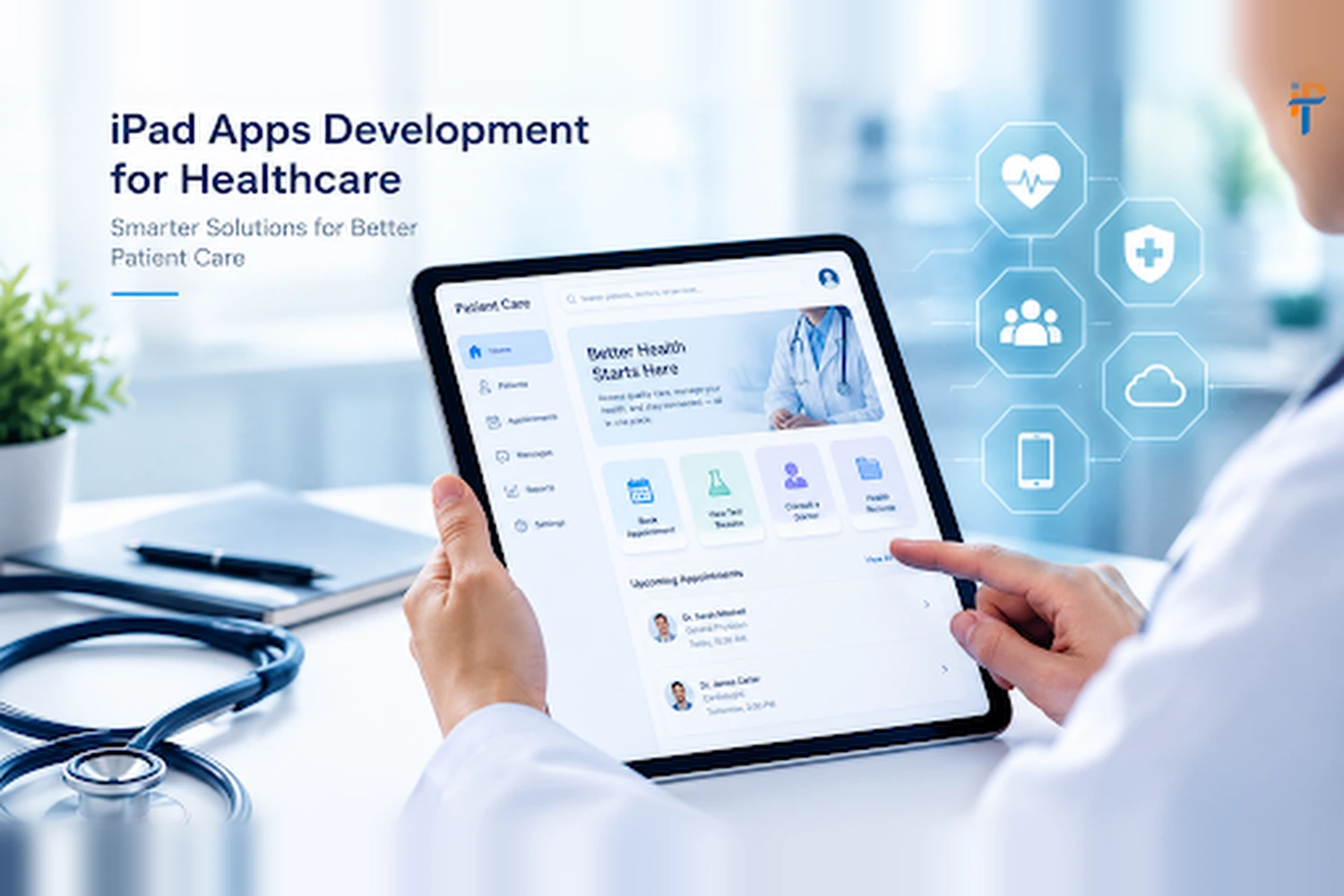
iPad Apps Development for Healthcare: Compliance Guide
Healthcare app development is transforming how doctors, nurses, patients, and healthcare
organizations access and manage medical information. From electronic health records and
telemedicine to patient monitoring and clinical workflows, iPad applications can improve
accessibility, efficiency, and the overall healthcare experience. However, developing a
healthcare app requires much more than delivering a user-friendly interface and reliable
functionality.
Healthcare applications handle highly sensitive information, making privacy, security, and
regulatory compliance essential throughout the development lifecycle. Developers must
consider requirements such as HIPAA, data encryption, secure authentication, access controls,
patient-data protection, and, depending on the app’s functionality, medical-device regulations.
Compliance requirements can also differ based on the country and healthcare market where the
application is deployed.
Types Of Healthcare Apps
Here are the major types of healthcare apps commonly developed for iPad and other mobile platforms:
1. Telemedicine Apps
Enable patients to consult doctors through video calls, messaging, and remote appointments.
2. Patient Portal Apps
Allow patients to access medical records, test results, prescriptions, appointments, and healthcare information.
3. Electronic Health Record (EHR) Apps
Help healthcare professionals securely access and manage patient records, clinical notes, diagnoses, and treatment information.
4. Appointment Scheduling Apps
Allow patients to book, reschedule, and cancel appointments while helping providers manage their schedules.
5. Remote Patient Monitoring Apps
Collect and display health data such as blood pressure, glucose levels, heart rate, and oxygen levels from connected devices.
6. Medication Management Apps
Help patients track medications, dosage schedules, refills, and reminders.
7. Fitness and Wellness Apps
Track activities such as exercise, sleep, nutrition, weight, and general wellness goals.
8. Mental Health Apps
Provide features such as therapy sessions, meditation, mood tracking, mental wellness exercises, and access to counselors.
9. Medical Reference Apps
Give healthcare professionals access to medical guidelines, drug information, clinical references, and diagnostic resources.
10. Healthcare Provider Management Apps
Support hospitals and clinics with staff management, patient workflows, billing, reporting, and administrative operations.
11. Medical Imaging Apps
Allow authorized healthcare professionals to view and manage medical images such as X-rays, CT scans, and MRI images.
12. Health Insurance Apps
Enable users to check policies, submit claims, view coverage information, and locate healthcare providers.
13. Pharmacy Apps
Support prescription management, medicine ordering, refill requests, and pharmacy communication.
14. Chronic Disease Management Apps
Help patients manage long-term conditions through monitoring, reminders, educational resources, and communication with healthcare providers.
15. Healthcare Communication Apps
Provide secure communication between patients, doctors, nurses, hospitals, and other healthcare professionals.
Compliance
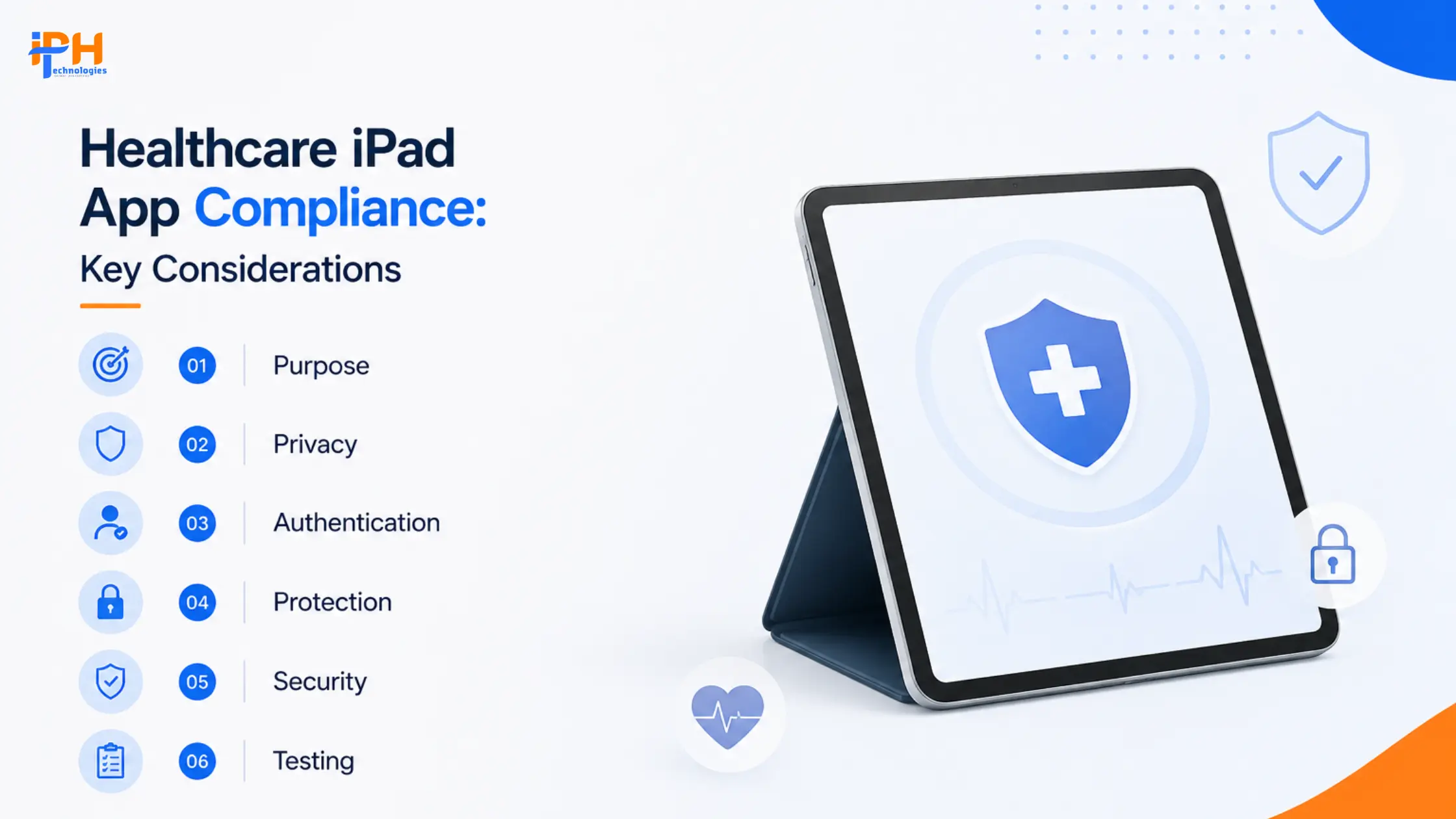
Today, we are going to explain the major compliance considerations when building healthcare
applications for iPad.
- 01. Define the App’s Purpose & Compliance Needs
- 02. Understand HIPAA & Data Privacy Rules
- 03. Strengthen Authentication & Access Control
- 04. Protect Patient Data on iPad Devices
- 05. Ensure Secure iPad Authentication
- 06. Test Security Before & After Launch
1. Start by Defining the App’s Purpose
Compliance requirements depend heavily on what the application actually does.
An iPad app used for appointment scheduling or general wellness information may face very
different regulatory requirements from an application that analyzes medical images,
recommends treatment, or controls a medical device.
The first step should therefore be to document:
- Intended users
- Intended use
- Types of health information collected
- Data generated by the application
- Data received from external systems
- Whether the app provides clinical recommendations
- Whether the app connects to medical devices
- Where patient data is stored and processed
- Countries and regions where the app will be deployed
In the USA, the FDA uses a risk-based approach to determine which software functions fall
under its medical-device oversight. The FDA’s current guidance specifically covers software
functions and mobile medical applications deployed on mobile platforms.
2. Understand HIPAA Requirements
If the application handles protected health information (PHI) for a HIPAA-covered entity or
business associate in the United States, HIPAA should be considered from the architecture
stage rather than after development.
HHS confirms that healthcare providers can use mobile devices to access electronic PHI in the
cloud when appropriate administrative, physical, and technical safeguards are implemented.
Appropriate Business Associate Agreements (BAAs) may also be required with third-party
providers that access ePHI.
Key HIPAA-Focused Controls
Authentication
Strong authentication helps prevent unauthorized users from accessing sensitive healthcare
information. Healthcare iPad apps should consider multi-factor authentication, biometric login,
secure password policies, device-level authentication, and automatic session timeouts.
Authorization
Healthcare data should only be accessible to users who need it for their specific responsibilities.
Implement role-based access control (RBAC) so doctors, nurses, administrators, patients,
technicians, and support staff receive only the permissions appropriate to their roles.
Encryption
Patient and healthcare data should be protected both in transit and at rest. Use modern
encryption for network communication, local iPad storage, cloud databases, backups, and API
communication to reduce the risk of sensitive information being exposed.
Audit Logging
Audit logs help healthcare organizations monitor who accessed or changed sensitive
information. The application should record important security events, including login attempts,
patient-record access, data modifications, exports, permission changes, and administrative
activities.
3. Secure Data Stored on the iPad
One of the biggest risks in an iPad healthcare application is unnecessary storage of sensitive
information on the device. The safest architecture is often to minimize locally stored PHI.
Where local storage is necessary, developers should consider:
- iOS Keychain for credentials and secrets
- Data Protection APIs
- Encrypted databases
- Secure token management
- Automatic logout
- Remote session invalidation
- Protection against screenshots where appropriate
Developers should also investigate what happens to sensitive information when the device is
lost, shared, backed up, or enrolled in an organization’s device-management system.
HHS specifically provides guidance on protecting health information when smartphones and
tablets are used to access healthcare information.
4. Implement Secure iPad Authentication
For clinical applications, authentication should balance security with usability.
Depending on the environment, consider:
- Face ID or Touch ID
- Multi-factor authentication
- Device-bound credentials
- Short-lived access tokens
- Refresh-token protection
- Automatic session expiration
- Re-authentication for sensitive operations
For example, a doctor might remain logged into a clinical application during a shift, but
accessing particularly sensitive functions could require additional authentication.
Test Security Before Launch
Healthcare applications handle sensitive patient and medical information, so security testing
should go beyond standard functional testing. Before launch, developers should test the
application, iPad environment, APIs, and supporting infrastructure to identify vulnerabilities that
could expose healthcare data or compromise user accounts.
Application Security Testing
Developers should test authentication and authorization, secure data storage, API
vulnerabilities, injection attacks, session management, excessive permissions, and accidental
exposure of sensitive information. These tests help ensure that only authorized users can
access healthcare data and perform permitted actions.
Device Security Testing
or stolen devices, offline usage, expired sessions, failed Face ID or Touch ID authentication,
device backups, screenshots, app reinstallation, iOS updates, and multiple users sharing
devices. The goal is to ensure that patient information remains protected even when the device
is compromised or used incorrectly.
API and Infrastructure Security Testing
components should be tested for secure authentication, authorization, encryption, logging,
monitoring, database protection, cloud configuration, backup security, and disaster recovery. A
secure API architecture ensures that sensitive healthcare information remains protected
throughout its entire journey between the iPad and backend systems.
Continuous Security Testing
assessments, penetration testing, dependency updates, and security monitoring can help
identify and address new threats as the application, operating system, and healthcare
environment evolve.
Why Choose IPH Technologies for iPad App Development for Healthcare?
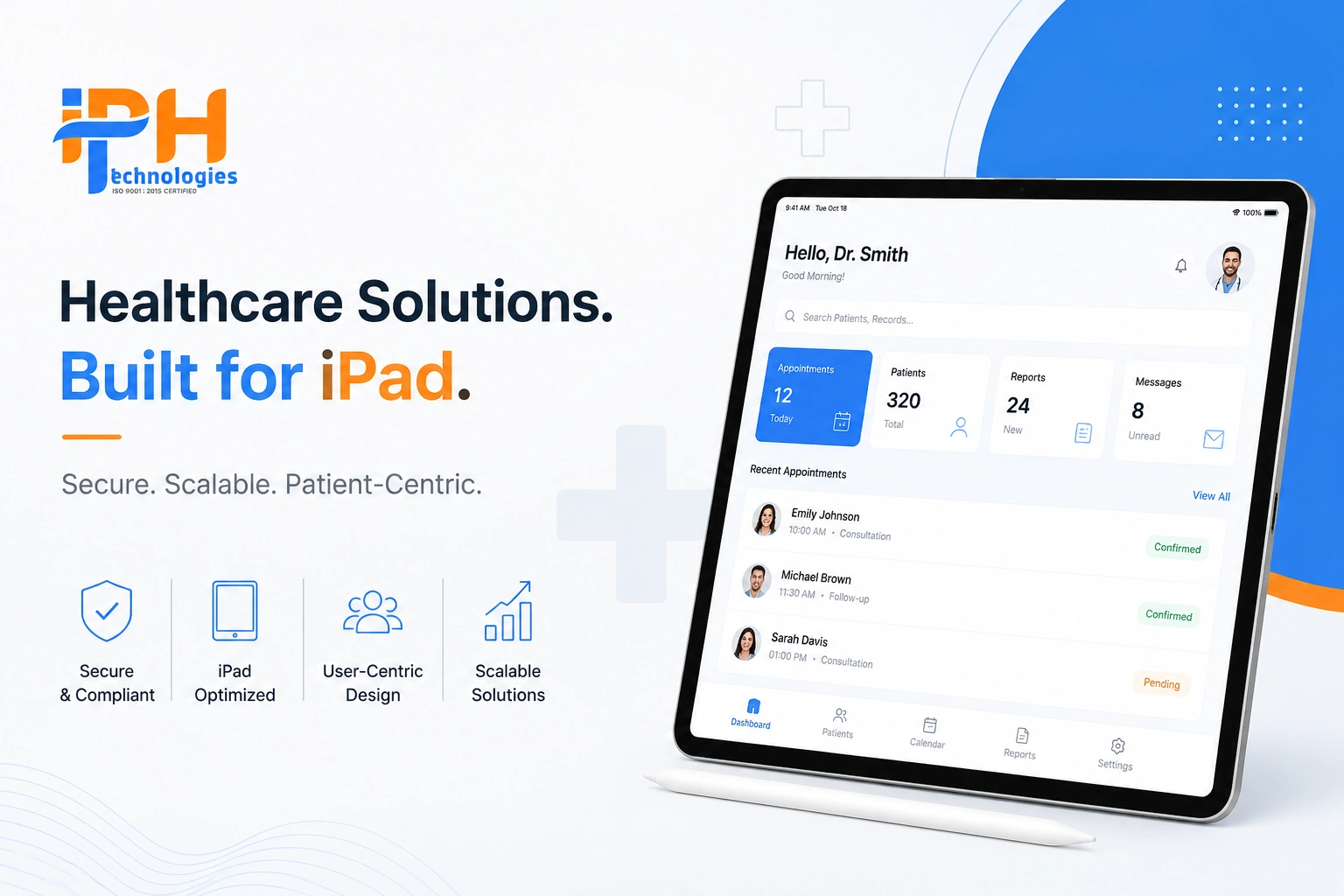
Choosing the right technology partner is critical when developing healthcare applications, where
usability, security, scalability, and regulatory considerations all matter. IPH Technologies
combines iPad/iOS development capabilities with healthcare application development
experience to build solutions tailored to healthcare providers, patients, and medical
organizations.
Healthcare App Development Expertise
IPH Technologies develops healthcare applications for different use cases, including patient
apps, telemedicine platforms, EHR/EMR solutions, medical database applications, and patient
engagement systems. This experience can help teams translate healthcare workflows into
practical digital solutions.
Specialized iPad Development
IPH Technologies provides dedicated iPad app development services, including native
development, iPad-focused UI/UX design, app migration and optimization, App Store
deployment, and ongoing maintenance. Its development approach uses technologies such as
Swift and SwiftUI for native iPad experiences.
Security & Healthcare-Focused Development
Healthcare applications require strong attention to patient privacy and data protection. IPH
Technologies positions its healthcare development services around secure applications and
healthcare compliance, making security an important consideration from development through
deployment.
User-Centric iPad Experiences
Healthcare professionals often work with complex information, so an iPad application needs to
make data easy to view and workflows easy to complete. IPH Technologies focuses on intuitive
UI/UX and interfaces optimized for the iPad’s larger screen and interaction model.
Final Thought On iPad Apps Development for Healthcare
Building an iPad healthcare application successfully requires treating compliance as a
product-development requirement, not a launch checklist.
Most importantly, HIPAA compliance and FDA compliance are not automatically achieved simply
by using secure Apple hardware or a reputable cloud provider. The application’s architecture,
data flows, business relationships, intended use, and operational processes all matter. HHS
explicitly notes that mobile healthcare technology can be used with ePHI when appropriate
safeguards and contractual arrangements are in place.
For teams building medical or clinical software, regulatory classification should also happen
early. FDA guidance makes clear that regulatory oversight is function- and risk-dependent rather
than determined simply by whether an application runs on an iPad.
FAQs
1. What is iPad app development for healthcare?
patient monitoring, medical imaging, and healthcare management.
2. Do healthcare iPad apps need to be HIPAA compliant?
associate in the U.S., HIPAA requirements may apply.
3. How can healthcare data be secured on an iPad?
secure APIs, session management, and audit logging to protect sensitive data.
4. Can iPad healthcare apps integrate with EHR systems?
healthcare interoperability standards, depending on the system and integration requirements.
5. What security testing is required for healthcare iPad apps?
authorization, data storage, and ongoing vulnerability management.









.png)